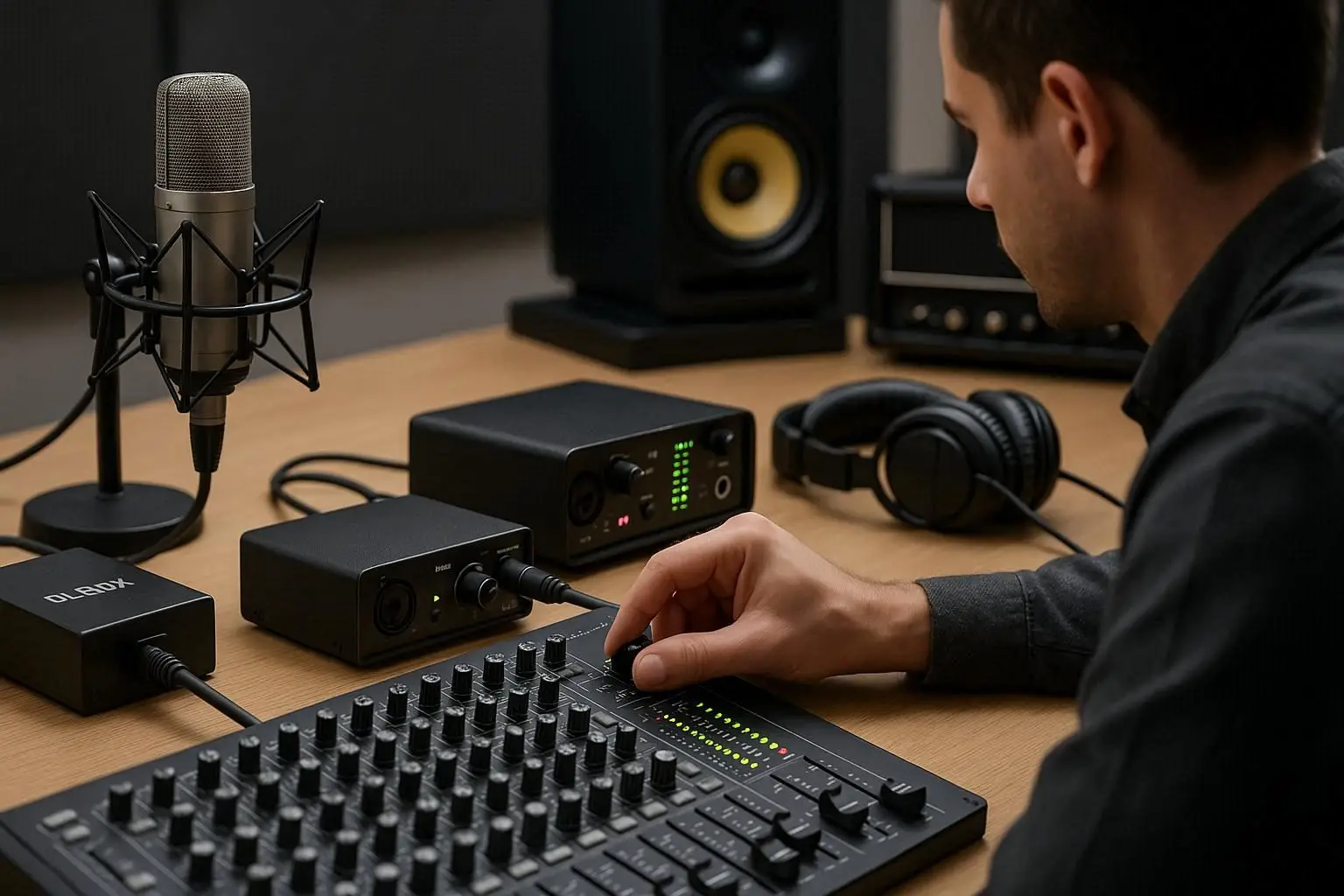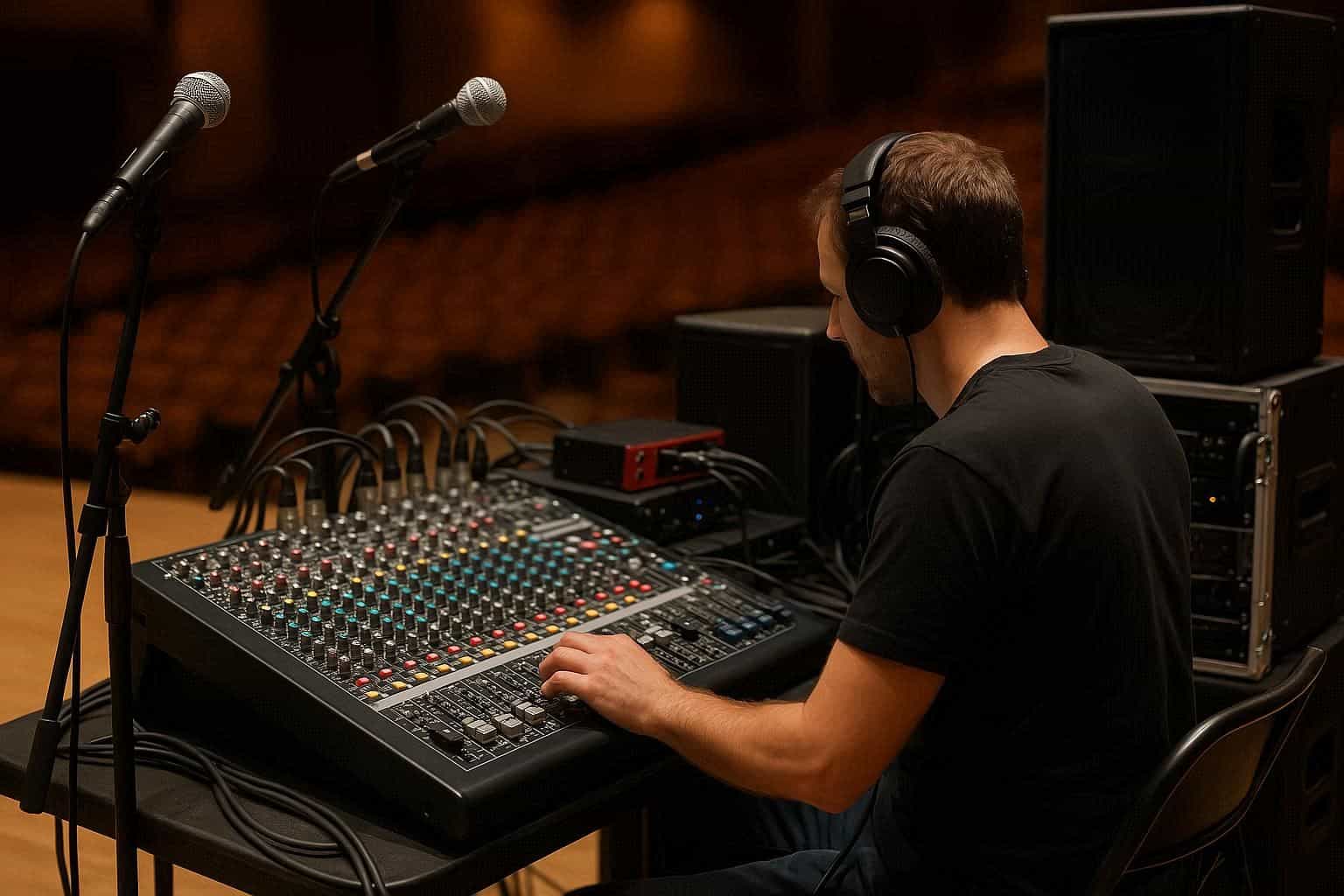
Setting up a professional PA system can seem complex, but once you understand how each component works together, it becomes a manageable and rewarding process. Whether you’re preparing for a concert, conference, or worship service, the keyword “professional PA system” will guide you through the essential steps of design, connection, and calibration for the best possible sound quality.
What Is a PA System and Why Is It Important?
A PA (Public Address) system is a collection of audio equipment used to amplify and distribute sound to a large audience. It ensures clear communication or music playback in venues such as auditoriums, halls, clubs, or outdoor events.
A professional PA system typically includes several essential components: Microphones, Audio Mixers, Amplifiers, Speakers, DI Boxes, and Audio Interfaces — each playing a crucial role in delivering clean, powerful, and balanced sound.
Core Components of a Professional PA System
Let’s break down the main parts you’ll need to build your own professional PA system:
Microphones
Microphones are the starting point of your audio chain. They capture vocals or instruments and convert them into electrical signals. Depending on your setup, you can use dynamic or condenser microphones. For live vocals, a dynamic mic works best, while condensers are great for studio recording or acoustic instruments.
DI Box
A DI Box (Direct Injection Box) converts high-impedance instrument signals (like electric guitars or keyboards) into balanced, low-impedance signals. This ensures cleaner sound transmission and reduces noise when connecting to the mixer.
Audio Mixers
The Audio Mixer is the control center of your PA system. It allows you to combine, balance, and adjust the levels of all connected microphones and instruments. You can choose between analog and digital mixers depending on your workflow. Digital mixers often integrate easily with a computer or Audio Interface for recording or streaming purposes.
Amplifiers
Amplifiers boost the low-level signal coming from your mixer to a level strong enough to power your Speakers. Choosing the right amplifier depends on your speaker type and power requirements. Always match your amp’s output wattage with the speaker’s power rating to prevent distortion or damage.
Speakers
Speakers are responsible for converting electrical audio signals into sound waves that your audience can hear. In a professional PA system, you typically have two types:
-
Main Speakers (Front of House) for audience sound
-
Monitors for performers on stage
For large venues, subwoofers may also be added to enhance low-frequency performance.
Audio Interface
An Audio Interface acts as the bridge between your PA system and a computer. It enables high-quality recording, playback, and digital signal routing. It’s particularly useful for hybrid setups that combine live sound with digital recording or streaming.
Head Phones
When mixing or monitoring live audio, Head Phones are essential. They allow sound engineers to isolate specific audio channels, make adjustments, and detect unwanted noise without interrupting the live sound.
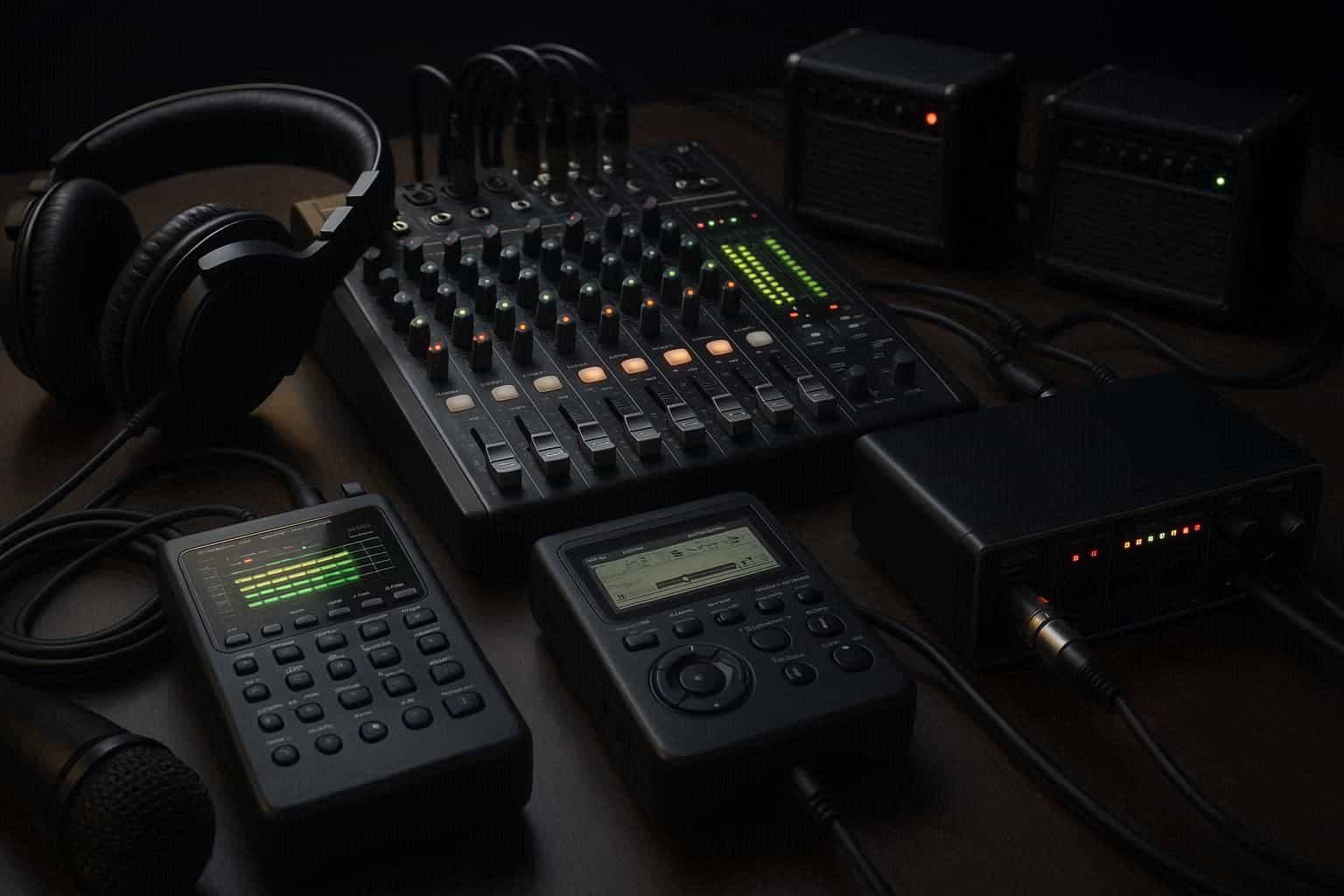
Recorder & Digital Pocket Studio
If you want to record your live performance or event, a Recorder or Digital Pocket Studio can capture the full mix directly from the mixer’s output. This allows you to produce professional-quality recordings for later use, analysis, or content creation.
How to Connect a Professional PA System
Setting up your system in the correct order ensures clean sound and minimizes feedback or interference. Follow these steps:
Step 1: Connect Microphones and Instruments
Plug your microphones and instruments into the mixer using balanced XLR or TRS cables. If you’re connecting an electric instrument, run it through a DI Box before the mixer.
Step 2: Connect the Mixer to Amplifiers
Use the mixer’s main outputs to connect to the input of your Amplifiers. This stage boosts your sound signal to drive your Speakers effectively.
Step 3: Connect Amplifiers to Speakers
Connect your Amplifiers to your Speakers using proper speaker cables. Always ensure the impedance matches (e.g., 8 ohms or 4 ohms) to avoid overloading the amplifier.
Step 4: Add Monitoring and Recording Devices
For monitoring, plug in your Head Phones to the mixer’s headphone output.
If you’re recording, connect your Recorder or Digital Pocket Studio to the mixer’s record-out or USB port (if available). You can also connect the mixer to an Audio Interface for direct digital recording into your DAW.
Sound Check and Calibration
Once your professional PA system is connected, the next crucial step is calibration:
-
Power Up Sequence: Always turn on your equipment in this order — mixer → amplifier → speaker — to avoid damaging your gear.
-
Gain Staging: Adjust gain levels for each input to prevent clipping.
-
EQ and Effects: Fine-tune your equalization for clarity and balance. Add reverb or compression only as needed.
-
Feedback Control: Position microphones carefully and use EQ filters to eliminate feedback frequencies.
-
Monitor Mix: Ensure that performers hear what they need through the stage monitors or in-ear systems.
Tips for a Professional PA Setup
-
Use balanced cables to minimize noise.
-
Label all inputs and outputs for quick troubleshooting.
-
Invest in quality gear such as durable Speakers, reliable Microphones, and robust Amplifiers.
-
Protect your setup with surge protectors and proper ventilation.
-
Test before every event — never assume yesterday’s settings will work today.
Maintaining Your PA System
Proper maintenance ensures long-term performance and reliability:
-
Regularly clean connectors and inspect cables.
-
Store your Head Phones, microphones, and cables in padded cases.
-
Check the cooling system of your Amplifiers to prevent overheating.
-
Keep your Audio Mixers and other sensitive gear away from dust and moisture.
Conclusion for professional PA system
A professional PA system is more than just a collection of electronic components — it’s the heart of every live sound experience. By understanding how each piece works — from Microphones and DI Boxes to Amplifiers, Speakers, and Audio Interfaces — you can design a setup that delivers crystal-clear sound for any venue.
Whether you’re recording with a Recorder or Digital Pocket Studio, mixing through Head Phones, or managing a large event, the key to success lies in planning, testing, and maintaining your system. With the right combination of gear and setup technique, your professional PA system will provide reliable, high-quality audio for years to come.