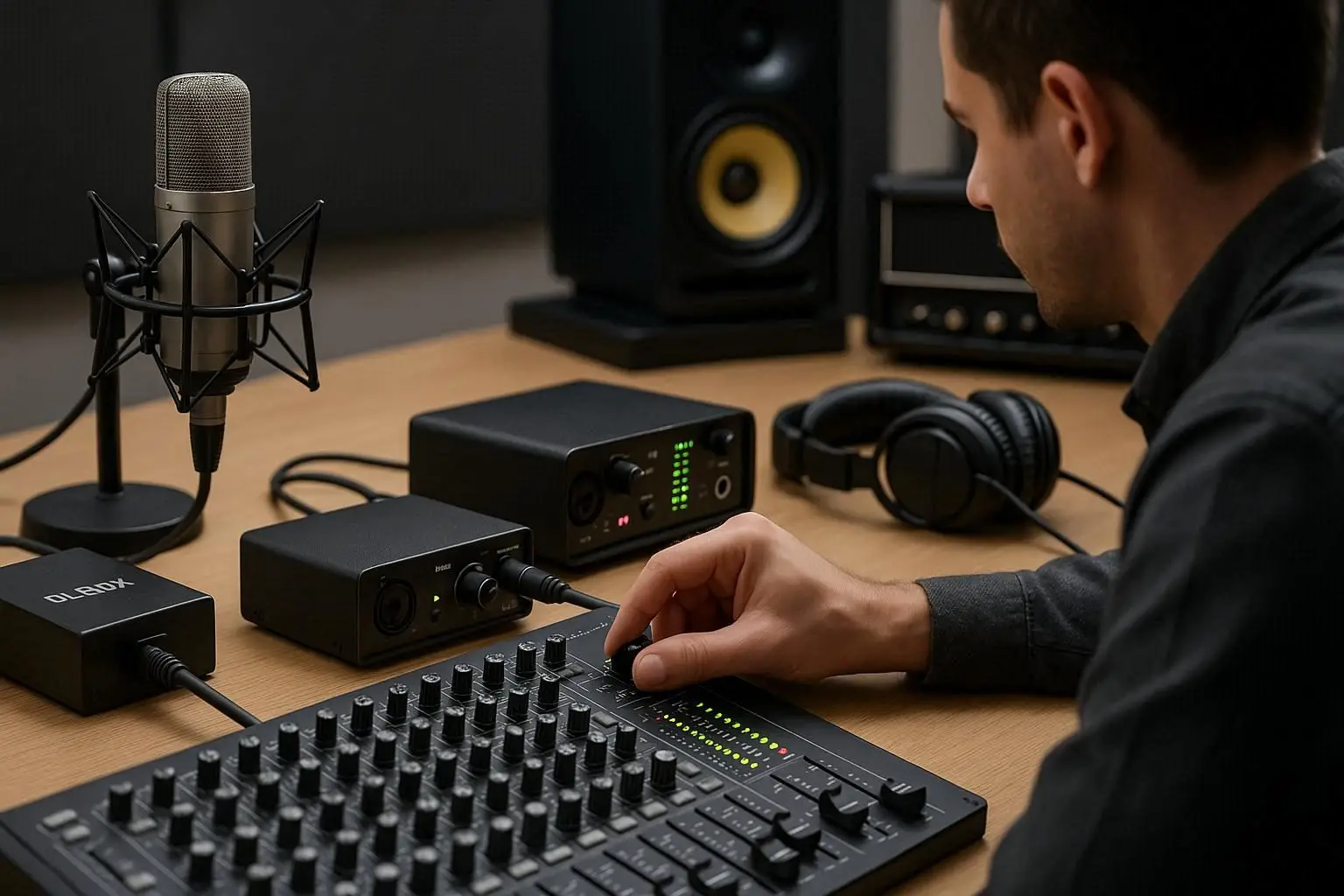
about Servicing Audio Equipment : If you’ve invested in professional audio equipment, taking proper care of it is crucial to maintain performance and ensure longevity. From microphones to speakers, each component plays a vital role in delivering high-quality sound. Regular maintenance and smart usage practices can prevent costly repairs and extend the lifespan of your gear. In this guide, we’ll explore the best ways to care for your audio system — including cleaning, Servicing Audio Equipment, and storing your devices safely.
1. Keep Your Equipment Clean and Dust-Free
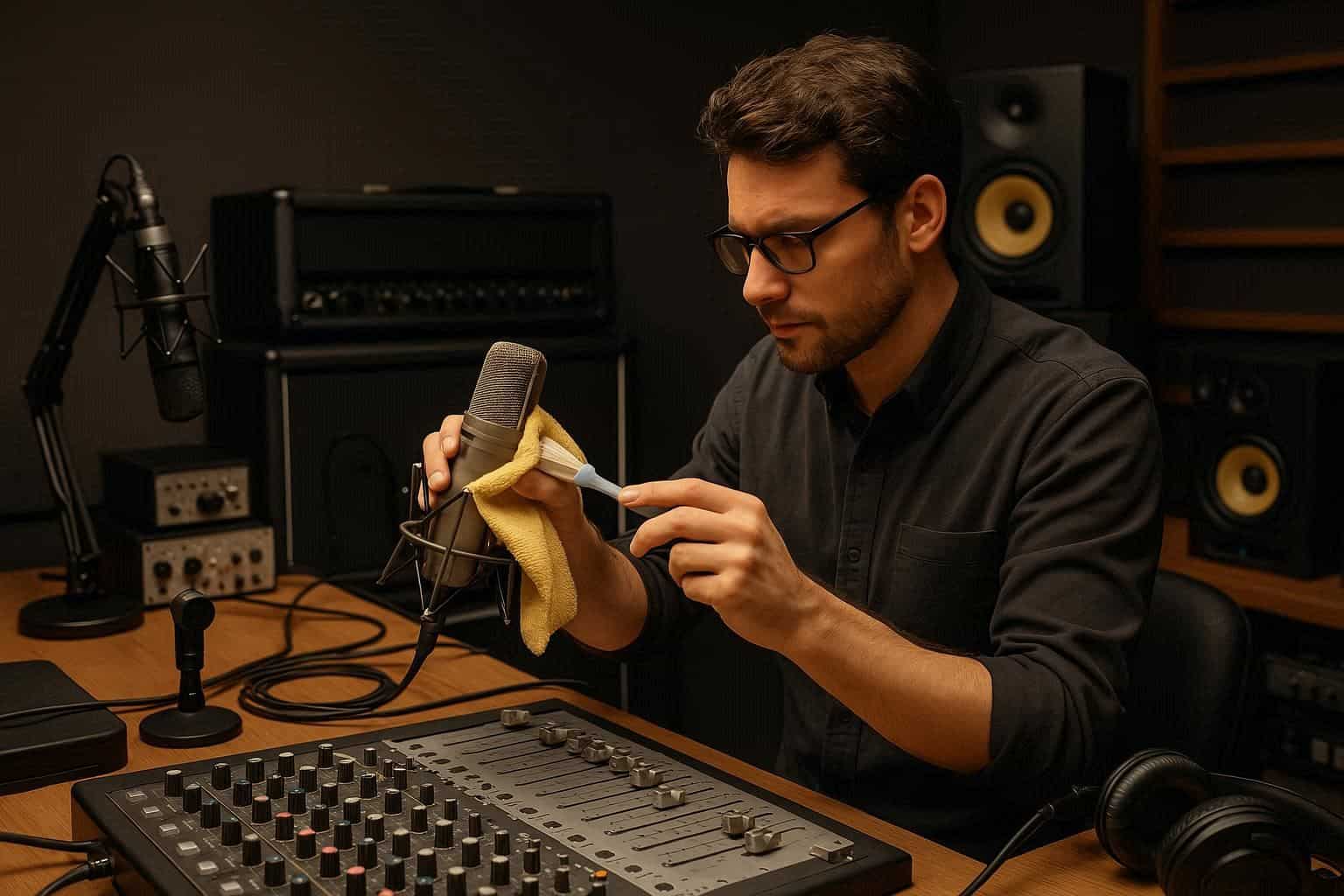
Dust and moisture are the worst enemies of audio gear. Make it a routine to gently wipe down all your devices, especially amplifiers, audio mixers, and speakers, with a soft microfiber cloth. Avoid using harsh chemicals; instead, opt for isopropyl alcohol or specialized cleaning sprays designed for electronics.
For microphones, make sure to clean the grilles regularly and replace pop filters if they get too dirty. Dust accumulation on diaphragm surfaces can affect sensitivity and cause unwanted noise. Keeping the workspace tidy and dust-controlled will make a noticeable difference in sound clarity and overall equipment health.
2. Proper Cable Management and Connector Care
Cables and connectors are often overlooked during maintenance but are critical for clear signal transmission. Tangled, bent, or frayed cables can cause signal loss and interference. Always coil your cables correctly and store them in dry, organized spaces.
Check the condition of all your DI Box, Audio Interface, and instrument cables periodically. Oxidized or dirty connectors should be cleaned using contact cleaner. Never pull cables from the wire; always disconnect by the plug to avoid damaging internal solder joints. Well-maintained connections help preserve signal integrity and reduce unwanted noise in your mix.
3. Regularly Inspect and Service Your Audio Devices
Professional audio systems benefit greatly from periodic servicing. Amplifiers, for example, contain capacitors and fans that wear out over time. A technician can check for loose components, replace aging parts, and calibrate levels to prevent distortion or overheating.
Your Audio Mixers and Recorders should also be inspected regularly. Faders and knobs can accumulate dirt, leading to crackling sounds or uneven signal control. Using compressed air to clear dust and occasionally applying contact lubricant can keep these components running smoothly.
4. Protect Against Power Surges and Humidity
Power fluctuations can cause serious damage to sensitive gear. Always use a high-quality surge protector or a power conditioner to regulate voltage for your entire sound system. Avoid running your devices on unstable power sources, especially during outdoor events.
Humidity is another major factor that can deteriorate electronics. Store your equipment in a cool, dry environment, ideally between 20°C and 25°C with relative humidity under 50%. Using silica gel packs in storage cases helps absorb excess moisture and prevent corrosion on metal contacts.
5. Use the Right Accessories for Optimal Performance
Every audio system benefits from the right supporting tools. Investing in proper accessories not only enhances performance but also reduces wear and tear.
For instance, when recording or rehearsing, use Head Phones that offer accurate monitoring without overloading your ears. A Digital Pocket Studio can help capture ideas efficiently while minimizing stress on your main recording setup. Similarly, having reliable Speakers for mixing and playback ensures balanced sound and reduces the risk of overdriving smaller monitors.

6. Calibrate Your System Regularly
Over time, even high-end systems drift from their original calibration. Regularly testing and adjusting levels keeps your mix balanced and prevents speaker damage. Use pink noise and reference tracks to align levels between your Audio Mixers, Amplifiers, and output devices.
For recording environments, calibrate your Microphones and Audio Interface to ensure consistent gain structure. These adjustments may seem minor but have a major impact on achieving professional-grade results while minimizing wear on your gear.
7. Store Your Equipment Safely After Use
Proper storage is one of the easiest yet most neglected parts of audio gear maintenance. Always unplug and cool down your devices before packing them. Use padded bags or hard cases, especially for delicate items like microphones and portable recorders.
Label and store your cables neatly to avoid confusion during setup. Keep heavy items like amplifiers and speakers at the bottom of storage stacks to prevent toppling. Avoid leaving equipment in hot cars or humid basements, as extreme temperatures can warp components and damage circuits.
8. Schedule Preventive Maintenance Sessions
Just like vehicles, audio systems benefit from scheduled maintenance. Depending on your usage frequency, plan professional checkups at least once or twice a year. Technicians can test for signal inconsistencies, perform firmware updates, and replace aging parts before they fail.
Having a maintenance log helps you track when each Audio Interface, Amplifier, or Recorder was last serviced. This habit not only ensures long-term reliability but also maintains the resale value of your equipment.
9. Handle Equipment with Care During Transport
Transporting gear to gigs or events is often when the most damage occurs. Always use shock-proof flight cases and proper padding for items like Speakers and Audio Mixers. When loading and unloading, avoid stacking heavy devices on top of fragile ones.
Secure cables and accessories separately, and ensure connectors like those on your DI Box or Head Phones are protected from bending. Labeling cases makes setup faster and minimizes the chance of losing important components.
10. Keep Software and Firmware Updated
Many modern audio devices — including Digital Pocket Studio units and Audio Interfaces — rely on firmware for optimal functionality. Manufacturers frequently release updates that fix bugs, improve performance, and enhance compatibility. Make sure to download official updates and back up your presets before installation.
Updated systems not only perform better but also reduce latency, prevent errors, and ensure smooth integration with your DAW or mixing console.
Conclusion for Servicing Audio Equipment
Maintaining your audio equipment properly ensures consistent sound quality, reliability, and longevity. Clean regularly, store correctly, and service your devices at recommended intervals. Protect against dust, moisture, and power surges — and never underestimate the value of using quality accessories like Head Phones, DI Box, and Audio Interface.
By treating your tools with care, you’ll not only save on costly repairs but also guarantee that your sound system performs flawlessly every time you hit record or step on stage.